Hey everyone! It’s Ali (FunAdventuresWithAli). I’m so excited to share a fun Disney Magical Moments Layout featuring Crafty Foam Tape White 108ft, and a fun cut file! During a visit to Disney World in March, we had the most exciting character encounter with Pinocchio and Jiminy Cricket! We were thrilled to get photos with these two adorable guys, and I knew these memories needed a special layout.
Magical Moments Cut File
Using an older Disney-themed collection, I backed my cut file using seven patterns. I absolutely love how they pop against the blue grid background. The cut file title especially seems to jump right off the page with the Crafty Foam Tape White 108ft.
Placement of Photo and Embellishments
I added the journaling word “Magical” to the letter M in “Moments” for a fun little detail. To give the red bow on Minnie’s head interest, I added 3D Foam Squares White Mix.
I applied baby powder behind my stickers (cotton candy and clock) to alleviate the stickiness. Then with a combination of 3D Foam Squares White Mix and 3D Foam Strips, popped them up on the page. Behind the heart, I added a 3D Foam Squares Micro White to place it in the upper right corner, along with a cute tab sticker.
And, of course, no Disney layout is complete without a little bit of sparkle! I sprinkled stars in three different spots around the layout to finish everything off.
I love how this page captures such a fun and unexpected Disney memory. Those little character encounters that you don’t see every day can become some of your favorite memories!
Here’s to magical moments at Disney! ✨🏰💙
Thanks for visiting! Ali Skifton (FunAdventuresWithAli)
It’s Kristin and today I’m sharing a Family Vacation Layout featuring a cherished family photo from a trip taken in August of 1960. The focal point of this layout is the large circle background. However, instead of leaving the circle flat, I created five individual shaker elements throughout the design. I used products from Scrapbook Adhesives by 3L to securely assemble the layers and add beautiful dimension to my page.
Family Vacation Layout Shaker Features
I randomly and carefully selected a few areas on the circle patterned paper to cut out in order to make the shakers. Every section I selected as a shaker, I used different sequin mixes to give its own personality while still working together as part of the overall layout. The shakers add another layer of interest among the patterned papers, flowers, butterflies, and ephemera.
After you cut your shaker windows, back them with acetate. Flip the page over and use Extreme Double-Sided Tape 1/4in. around the back of the window. Adhere your acetate and then adhere the Crafty Foam Tape White 108ft. around the back of the window (on top of the acetate). Fill with your sequin mixes and to close the shaker, I cover it with vellum.
This layout was such a fun layout to create. It was great to get out my stash of sequins and items from my stash along with the Vicki Boutin Storyteller collection. The circle design gave me plenty of opportunities to mix patterns, while the five shaker elements added something extra special.
I hope this project inspires you to look through your own supply stash and experiment with unexpected designs. Try creating a circle background, mixing your favorite patterned papers, or adding a few shaker elements to your next 12×12 scrapbook layout!
Happy scrapping & thank you for visiting! 💕✂️ Kristin Rizzo
It’s back to school season here. Although my kids are OLD (me too – lol!), I wanted to create this School Days Shaker Layout featuring one of our newest product, 3D Foam Strips 3mm White. It is our highest height of foam at 3mm or just under 1/8”. Taking advantage of the height, I used thicker buttons as part of the shaker mix. What do you think?
School Days Shaker Frame
Start by fussy cutting the rows of pencils and cut slits in between each pencil to make it curve. Using a couple of pencil rows, I framed the 6” white cardstock circle with the E-Z Runner® Grand Permanent Dots Refillable Dispenser. To make the frame fuller, I added another layer but this time, I used the 3D Foam Strips 3mm White to give it interest and dimension.
Shaker Base
Looking at the shaker frame, I thought it was boring, so I cut a circle out of patterned paper and made a wall around the circle with the 3D Foam Strips 3mm White. Also, I tested the height of various buttons to make sure they didn’t go over the foam well. #Passed
Using my fingers or tweezers, I pulled a star from the E-Z Runner® Stars Refillable Dispenser to foil both sides of the star and powdered it to alleviate any stickiness. Then placed it to the shaker well. Repeat the steps until you get your desired amount.
Lastly, I applied three stars from the E-Z Runner® Stars Refillable Dispenser on the shaker surface. Use pieces of foil from Metallic Transfer Foil Sheets (color side facing you) and rub to transfer the color to the stars. A couple of buttons were secured with the Adhesive Dots Micro on the surface too. So, when the layout is upright, not all the shaker pieces will fall to the bottom.
Remove the top liner of the foam strips from the base and add a 6.25” acetate circle press to secure. Add more pencil rows to cover the gap between the frame and shaker base with the E-Z Runner® Grand Permanent Dots Refillable Dispenser.
Make the School Days Shaker Layout
Trim the used patterned paper from the shaker feature to 11” square and mat with a 12 x 12” coordinating patterned paper with the E-Z Runner® Grand Permanent Dots Refillable Dispenser. Then attached the shaker feature using the same adhesive.
Die-cut “SCHOOL” in teal cardstock (to match the school door) and used 1” circle punch to cut out the super cute alpha from the patterned paper used for the photo mat, I put together the page title “SCHOOL DAYS.”
I hope you enjoyed the School Days Shaker Layout tutorial. Give the new 3D Foam Strips 3mm White and add those bulky bits into your next shaker creation!
Announcing our newest addition to the 3D Foam Squares + 3D Foam Strips Families. We are reaching new heights with the NEW 3D Foam Squares and Strips in 3mm! Pairs well with our existing 3D Foam Products of 1mm and 2mm for depth options.
3D Foam Squares Mix in 3mm
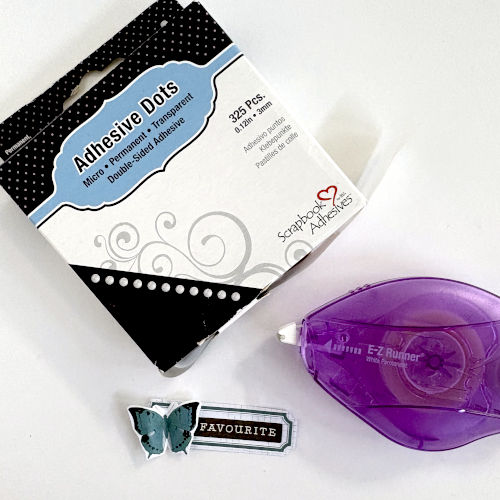
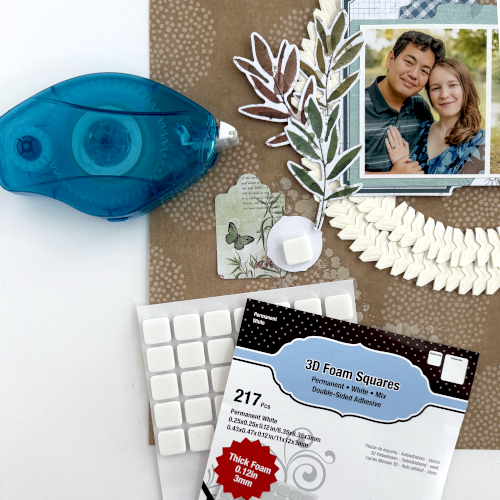
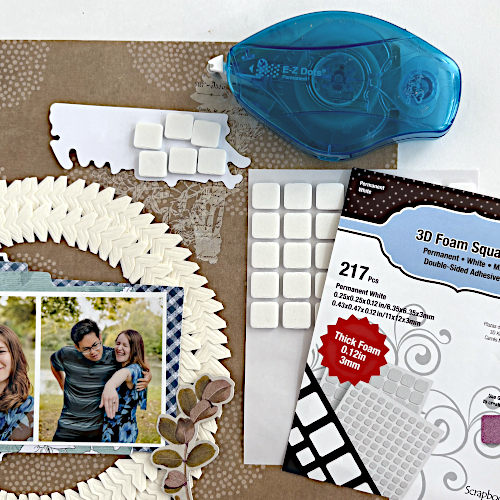
Enjoy Regular and Small Squares in 3mm height (just under 1/8″) inside one convenient pack! 3D Foam Squares 3mm comes in a sheet of 63 squares (0.50″) and a sheet of 154 squares (0.25″) in either white or black. Use with 3D Foam Squares (2mm) or Thin 3D Foam Squares (1mm) to add varying depth to your projects! Retails for $4.29.
Click the images for more product details.
3D Foam Strips Small in 3mm
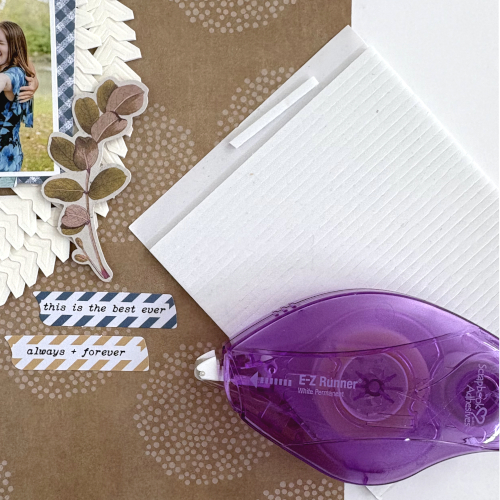
3D Foam Strips 3mm contains 76 pieces of pre-cut permanent double-sided adhesive strips of foam with a height of 3mm! These 1/8″ wide strips covers narrow areas for an extra lift and are perfect for making shakers. The 3mm strips are also available in white and black. Use them with the 3D Foam Strips (2mm) for dimensional interest on your projects. Retails for $4.29.
Click the images for more details!
Comparison Shot
Here’s an image of all three 3D Foam Squares from 1mm to 2mm to 3mm. Hope this helps visually!
Judy here today with a Funky Flower Birthday Greetings card. I ventured a bit out my comfort zone with this combination of bold colors and I really like it! The flower can also be made with double sided pattern paper especially one with a solid color back. All the directions are below to make the flower and assemble the card.
Flower Card Layers
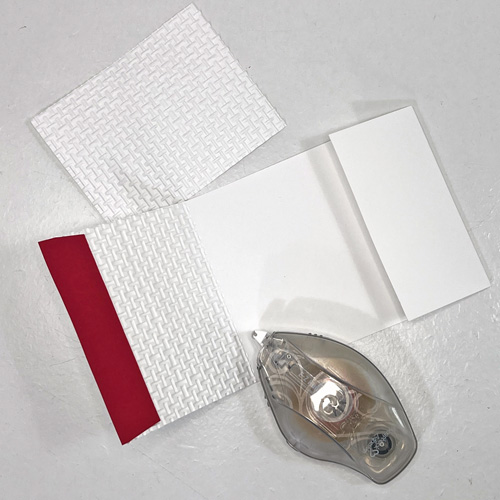
Cut 7 x 10 inch white cardstock, score and fold to create a 5 x 7 inch side fold card. Also from white cardstock, cut 3.75 x 5.25 inch rectangle and .875 x 3.75 strip. Place 3.75 x 5.25 inch rectangle in Burlap embossing folder and emboss using die cutting and embossing machine.
Cut the following rectangles:
Pink cardstock – cut 4.625 x 6.125 inches
Aqua cardstock – 4.375 x 6.875 inches
Green Plaid – 4.25 x 575 inches and .875 x 3.75 inches.
Assemble Card Base
Use E-Z Runner® Ultra Strong Refillable Dispenser to apply adhesive to aqua cardstock and fasten on pink cardstock. Then fasten green plaid paper on top of that again using adhesive from E-Z Runner® Ultra Strong Refillable Dispenser. Fasten to card front with same adhesive. Next apply adhesive to back of embossed panel and fasten over green plaid on card. Set aside.
Make a small vertical pencil mark anywhere along edge of pink circle on texture side of paper. Then make pencil marks about 1.25 inches apart at opposite edge of circle equal distance from first pencel mark. See photo for illustration. The amount of the circle that folds is about .375 at widest area. Score slightly away from first pencil mark to each of other pencil marks. Fold along score marks so texture side of paper will be on top. Repeat for all circles to create 6 petals.
Cut lime green circles in quarters. Keep 6 pieces for flower. Use E-Z Runner® Ultra Strong Refillable Dispenser to apply adhesive to back of a quarter lime circle and fasten on petal between folded edges and about .125 inches from edge of pink petal. Repeat for all 6 petals.
Apply generous adhesive to points of each petal and fasten to turquoise/aqua circles with E-Z Runner® Ultra Strong Refillable Dispenser. Place petals lightly until all are arranged to allow them to be adjusted if needed and then press firmly in place.
Place one Adhesive Dots 3D in center of flower and press firmly so that Adhesive Dots 3D is somewhat flattened and pressed well between petals. Peel off liner and fasten aqua/lime center on flower.
Fasten Flower on Card
Apply generous adhesive to back of flower and postion on card front towards top of embossed panel.
Greeting
Stamp greeting with black ink on white strip. Fasten to green plaid matt using adhesive from E-Z Runner® Ultra Strong Refillable Dispenser. Then apply generous adhesive to back and fasten below flower on card. (Designer Tip: Generous adhesive is recommended when fastening items to embossed paper)
Foil Center
Peel large circle from 3D Foam Circles White Mix and press sticky side to back of green foil from Metallic Transfer Foil Sheets Pastel Colors to cover with foil. Place foil covered 3D Foam Circle in Burlap embossing folder and pass through die cutting and embossing folder to add texture. Reapply foil. Peel off liner and fasten on flower center.
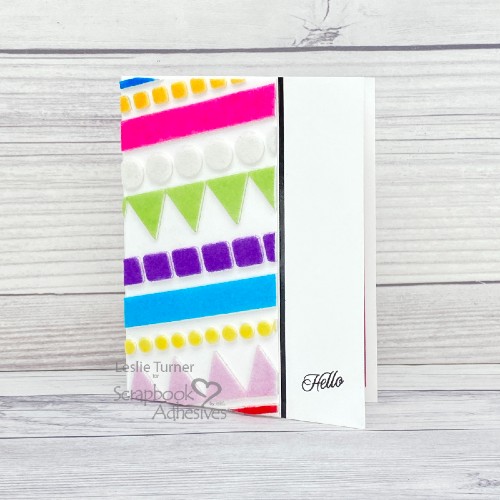
Hi friends, happy Thursday! I hope you’re having a great week! Are you a fan of cupcakes? How about a cupcake birthday card… one that invites the recipient to eat cake?! I could go for that! Leslie here, sharing a fun birthday card featuring our Wear Your Adhesive on the Outside technique! This technique is super easy and has quickly risen to the top of my fav list! Let me show you this card in more detail!
Card Base Details
I cut the 4-1/2″ x 5-1/2″ card base from heavyweight white cardstock. Also cut layering panels from orange cardstock as well as a lightweight white cardstock. Next, I chomped the upper right and lower left corners of all three with a punch for a little interest. Afterwards, I affixed two sets of orange/gold pinstripe stickers diagonally across the lightweight panel. Adhered this to the orange panel using the E-Z Runner® Permanent Strips Refillable Dispenser and then to the card base. This cupcake birthday card is taking shape!
Wear Your Adhesive on the Outside
Love the Wear Your Adhesive on the Outside technique so it’s featured twice on this card! Grabbed the 3D Foam Cupcakes, orange and red flock, and brown glitter to create the cupcake on the card front. Super easy process – just remove the liner, add glitter or flock and rub to secure. Added some confetti sprinkles to the icing using the Dual Tip Glue Pen. Also added the flocked cherry which I secured with 3D Foam Squares White Mix (two half squares).
To complete the card front, I stamped a diagonal sentiment in brown ink. For the inside, I layered another lightweight white panel with a patterned paper embellishing strip onto an orange panel. The E-Z Runner® Permanent Strips Refillable Dispenser was my adhesive of choice for all the layers on this card. Stamped another sentiment on the inside, and this cupcake birthday card was complete!
Other: Cardstock: Classic Crest Solar White cardstock, CutCardStock Lessebo Brick Orange cardstock, Doodlebug Design Buffalo Check-Wood Grain Rainbow Petite Prints 6×6 Paper Pad Stamps: Keep It Simple Birthday Sentiments Stamp Set Ink: Memento Rich Cocoa Ink Dies/Punches: Tonic Corner Punch Accessories: Fiskars 12″ ProCision Rotary Bypass Paper Trimmer, MISTI Stamp Positioner, orange and red flock from stash, Making Memories Brown Glitter, Love From Lizi Orange/Gold Pinstripe Peel-Off Stickers, Keep It Simple Polymer Clay Mini Pastel Confetti Sprinkles
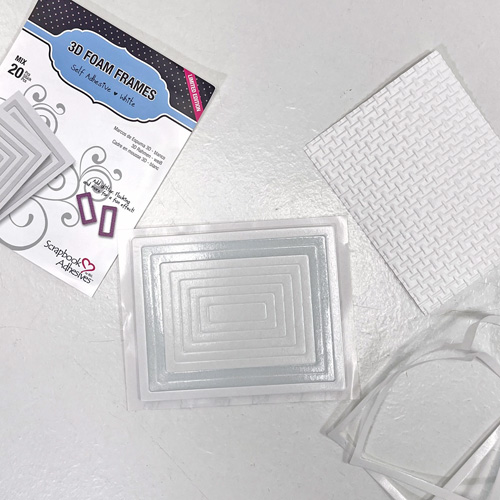
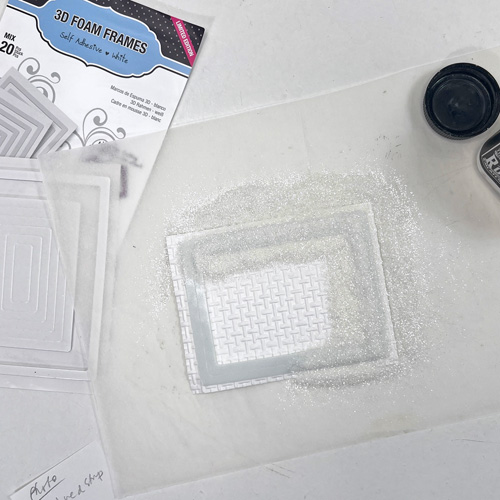
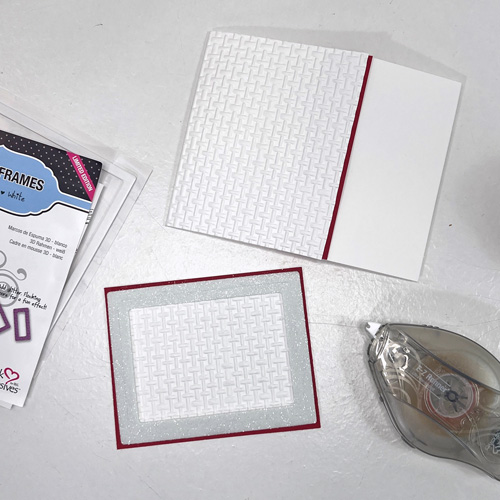
Lightly mist an A2-size white cardstock card base with water to loosen the paper fiber to emboss the card for a crisp embossed design. My center panel is 3.25 x 4.5″ and the side panel measures 2 x 3.25″. I cut one patterned paper and flip to the other side to cut the side panel. Both adhered with the E-Z Runner® Grand Permanent Strips Refillable Dispenser on the embossed card base.
Wear Your Adhesive on the Outside with 3D Foam Circle Frames
Using the Metallic Transfer Foil Sheets Pastel Colors, foil the circle frames with two colors of foils to create interest…super easy…no special tools. Wrinkle the yellow foil + applied on top of the circle frame (after removing the liner). The distressed lines are exposed adhesive so I took a solid green foil and applied on top to fill those lines. That’s it!
Finish with the Sentiment
The sentiment ephemera was popped up with the same 3D Foam Circle Frames White because of its curvy shape and placed by the center circle embellishment.
Other: Patterned Papers, Stickers + Ephemera: Arden Creative Studio (Field Notes Collection); Craft Dies: Hero Arts (Infinity Circle Dies); Embossing Folder: Spellbinders Paper Arts (Floral 3D Embossing Folder); White Cardstock
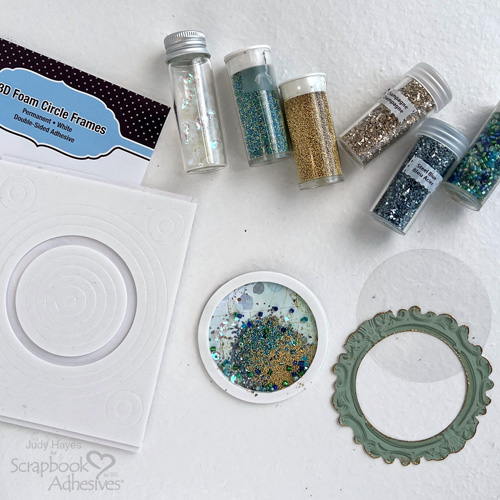
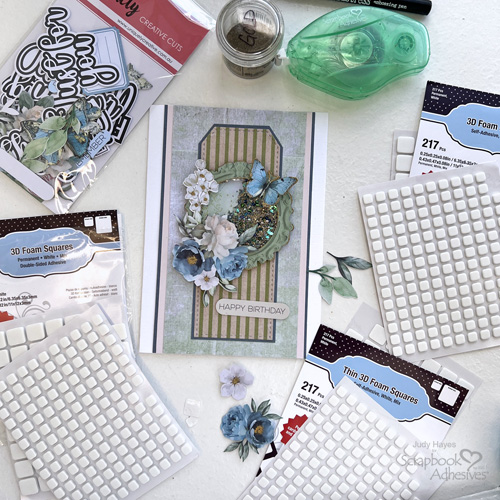
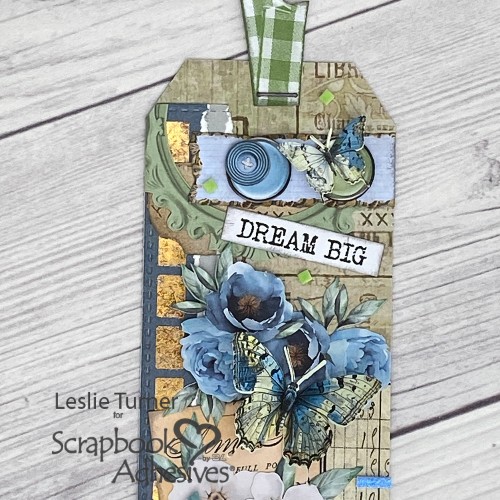
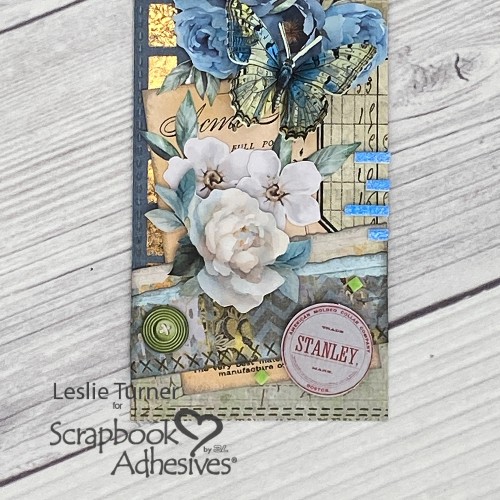
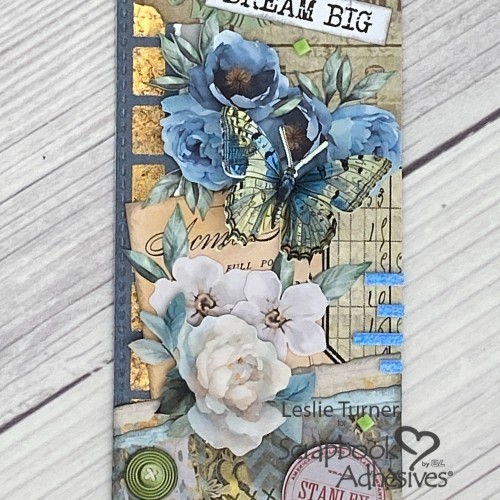
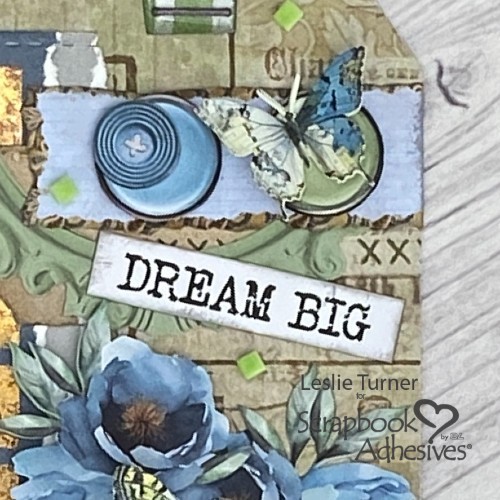
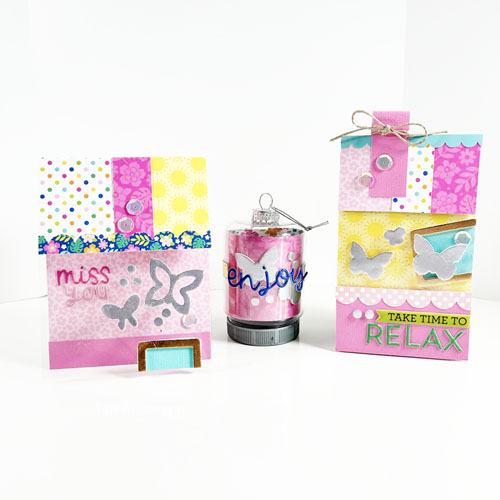
Hi, friends! Got a friend who is going and going? Want to remind someone to take a break? Teri here how to show you how to make a pretty gift tag, Take Time to Relax Tag, that would look great on a gift to remind your bestie to relax and take some time for themselves.
Create the Relax Tag Base
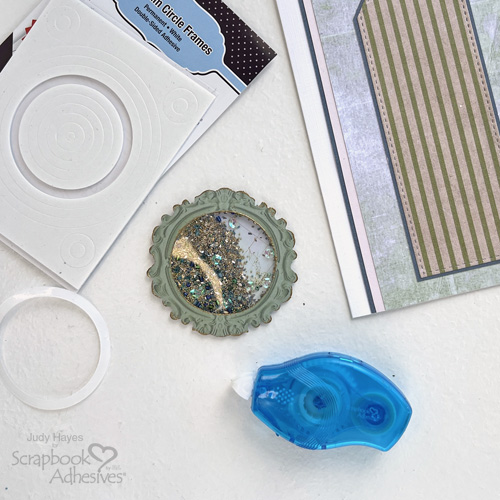
Make a tag base from cardstock. You’ll also want to cut an identical panel for the tag’s front from cardstock as well. Cover the base with patterned paper. Adhere a 3D Foam Frame to it. Foil to the frame with a piece of Bronze foil from the Metallic Transfer Foil Sheets Nature. Simply remove the top liner of the frame, place the foil over it (color side facing you) and rub to transfer the color. Peel off to reveal the color! Next, mount the frame onto the tag base and add a sequin. Set it aside.
Add a Window to the Tag
Trim part of the tag top panel and replace that section with a clear acetate transparency. Decorate the top of the panel with patterned papers. Place three 3D Foam Butterflies on the transparency. Repeat the foiling steps for the butterflies, using a piece of Platinum foil from the Metallic Transfer Foil Nature.
Assemble the Relax Tag
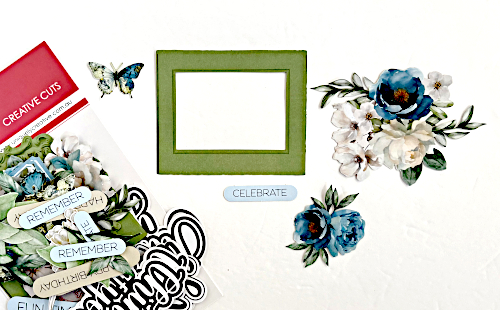
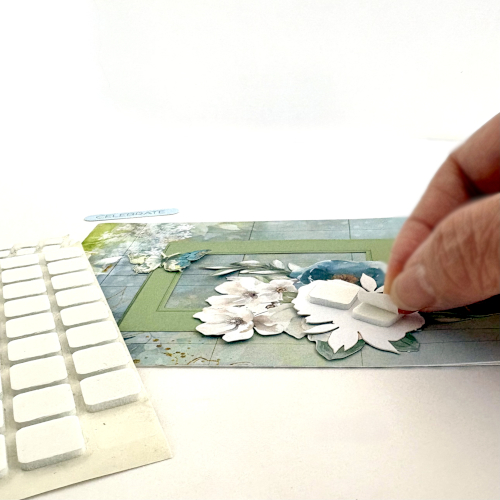
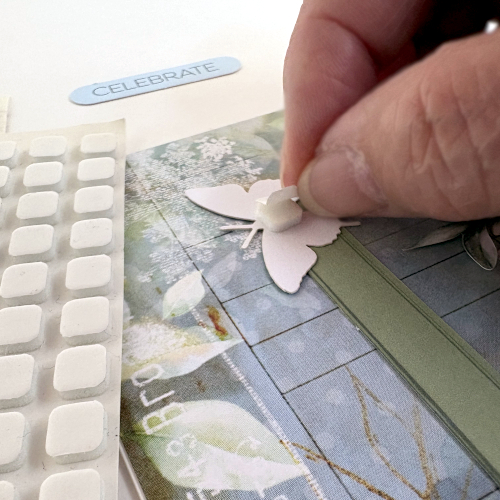
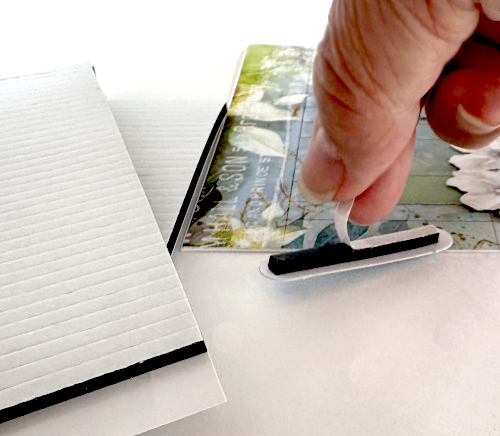
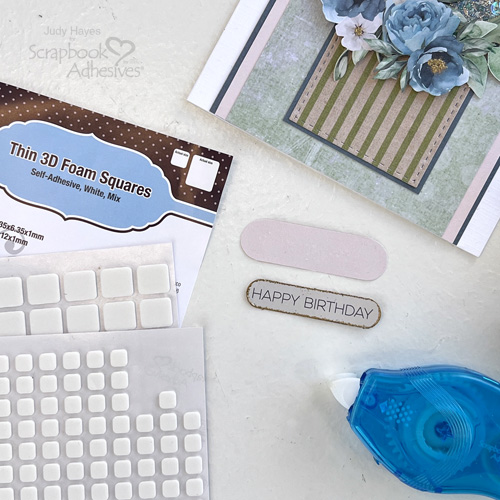
Using Crafty Foam Tape, mount the top panel onto your tag base. Trim any excess foam. Make sure you can see the frame through the transparency window. Create a sentiment with stickers or stamps and add it to the Relax Tag.
Take a strip of cardstock or patterned paper. Fold it in half Trim it down. Add it to your tag. Add a piece of twine or ribbon to the folded paper strip.
Putting on the Final Touches
Complete your tag by adding a few additional sequins to it. I recommend placing Adhesive Dots Micro on your tag and then placing the sequins directly on top.
Tie your tag onto something to remind the recipient to relax, like a bag of bath salts, a bouquet of flowers or a bag of chocolate.
Welcome scrappy friends! Tracy here and today I have a simple Mixed Pattern Layout. Here are all of the details on how I created it.
Let’s Get Started!
Some can struggle mixing patterned papers, but it’s something I love to do. I chose a patterned background that was light and a simple blocked pattern. Then I chose a very contrasting pattern, the black floral. Cut this to 8×8 and mat it in white cardstock. Adhere all of these layers using the E-Z Runner® Ultra Strong Refillable Dispenser.
Mat the 4×6 photo in white cardstock. I chose the next layer of patterned paper to contrast the 3 before. This time I used I light green marbled pattern. Cut it to 3×9, and adhere under where the matted photo would be placed using the E-Z Runner® Ultra Strong Refillable Dispenser. Adhere the matted photo to the mixed pattern layout using Crafty Foam Tape Black.
Hi, Ali (FunAdventuresWithAli) here today! This cut file was perfect for documenting my very first Disney cruise, Cruising with the Mouse Shaker Layout. Once I saw the file design, I knew that Mickey’s head had to become a shaker! I couldn’t resist adding colorful sequins and stars inside Mickey’s head, creating the perfect little bit of movement to represent the waves of the ship sailing across the water.
Cruising with the Mouse Shaker Layout Story 🚢✨
Anne and I took our first Disney cruise last September, and it was hands-down the best cruise I’ve ever been on! From the moment we boarded, we were greeted by all our favorite Disney characters, who were dressed in the cutest sailing outfits and ready to welcome us aboard. ❤️
Cut File Details
I used the Disney Cruise collection from Echo Park for this layout and absolutely loved the water-themed patterned paper. I wanted to create a sense of movement in my title, especially for the word “Cruising,” so I used the same water paper to back that word and also as my background. It makes the page feel like we’re right out on the open sea! 🌊
The Mouse Shaker Feature
I backed the word “Mouse” with the adorable red polka dot paper to make it really pop. For Mickey’s shaker, I first backed his head with acetate and then layered 3D Foam Strips around the entire opening. After adding the colorful sequins and stars, I peeled the backing from the 3D Foam Strips and adhered another piece of acetate. This lets you see the water paper behind the shaker, making it look like Mickey is floating right along the waves!
I love how classic and clean this layout turned out. The red, black, and white color combination reminds me of the classic Disney look and fits perfectly with the amazing crew who greeted us when we boarded the Wish.
Here’s to happy sailing, magical memories, and many more Disney cruises! ⚓️✨🛳️
Thanks for visiting! Ali Skifton (FunAdventuresWithAli)