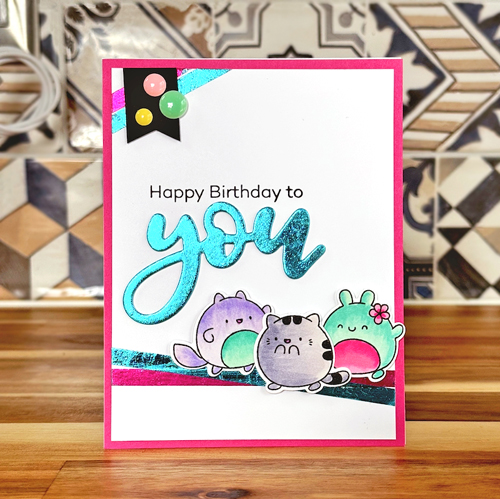
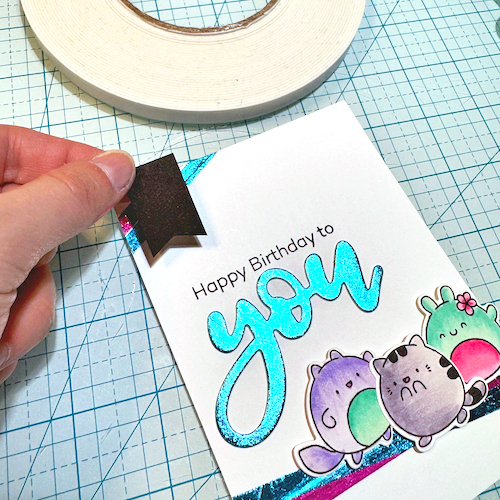
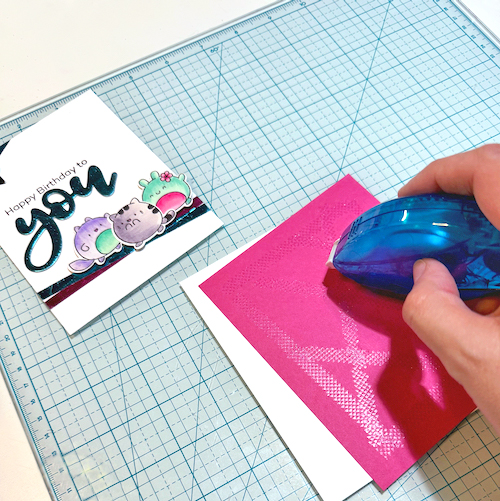
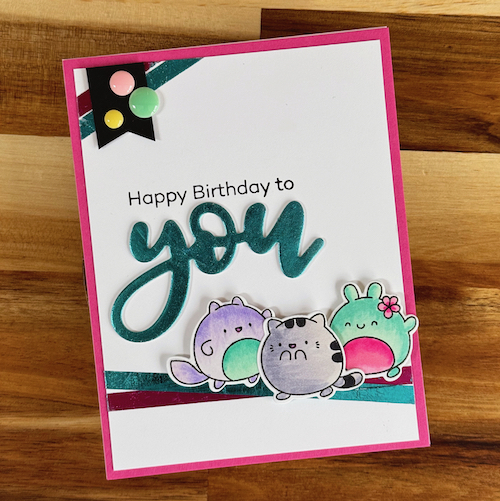
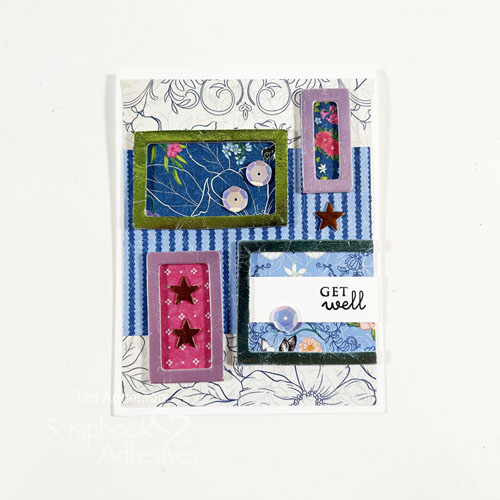
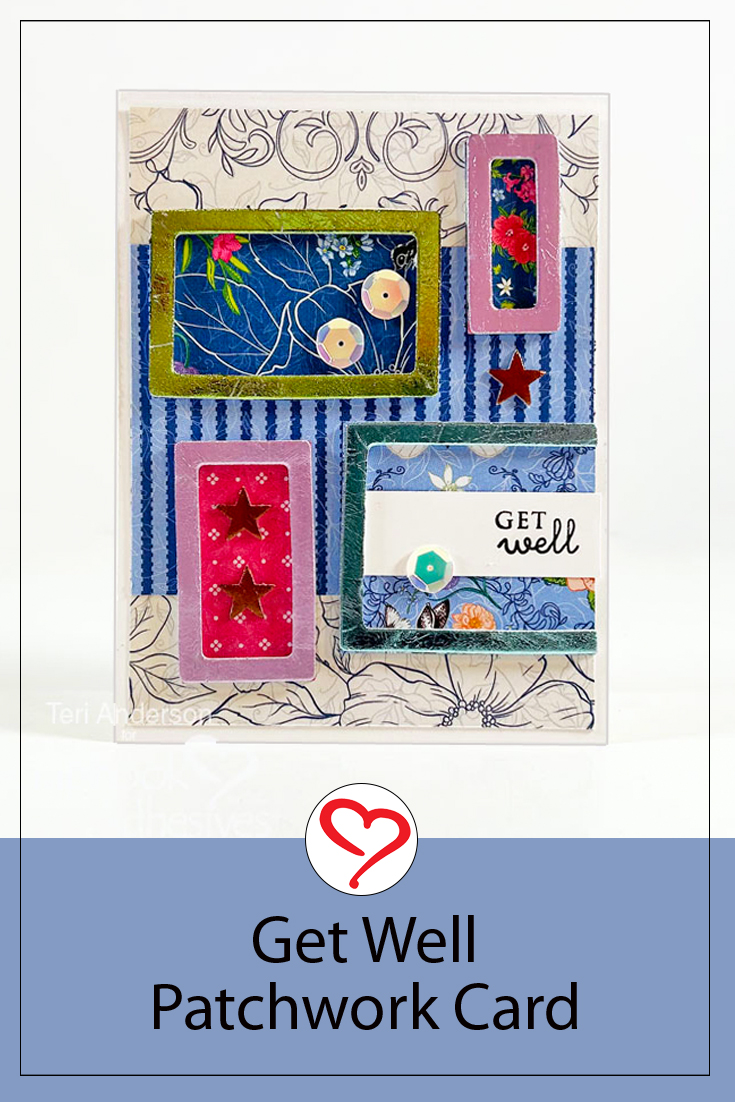
Hi, Lara here! Hope you all had a wonderful holiday season. To ring in the New Year is, for me, ringing in another birthday today. So I’ve created a Dimensional Happy Birthday Slimline Card to celebrate ME! If there are any other New Year babes out there…Happy New Year and Birthday to YOU!
Create the Birthday Slimline Card Base & Layer
I cut a card base to fit the stamped sentiment. After deciding on the design and spacing, a slimline card made sense. Fold in half a sheet of 8.5 x 8″ white cardstock the long way to create a 4.25 x 8″ card base.
Stamped all the letters on a sheet of white cardstock leaving about 1/2″ between them. This way I can cut around them leaving a small white frame. Although they don’t have to be all the same size or width, they will still look uniform.
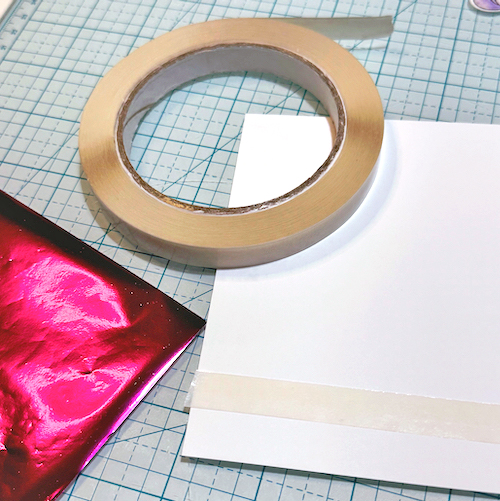
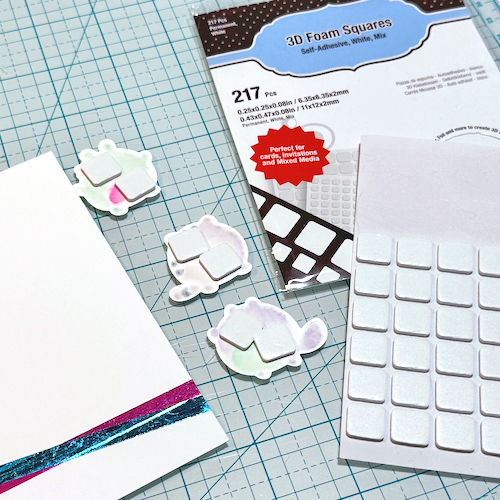
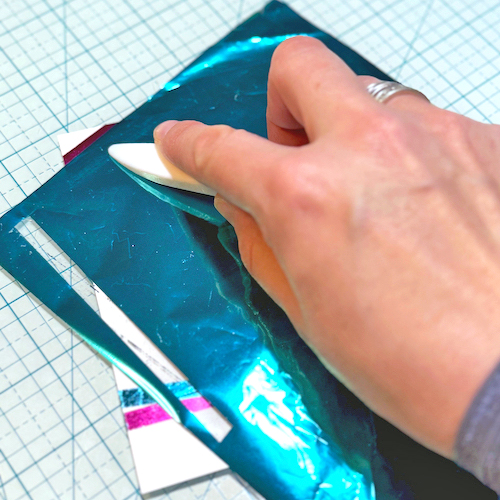
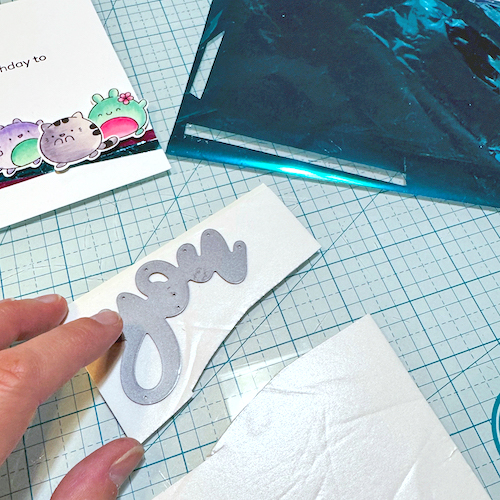
Here is a close of the letter H (Before + After). Lastly, I playfully arranged the letters on the card front. The stamp set lends to give it that look. I love how the Crafty Foam Tape in White 108ft. adds dimension to a fun design!
Oh, don’t forget to tie a ribbon on the card! I hope you enjoyed my Dimensional Happy Birthday Slimline Card tutorial!
Thanks for stopping by and HAPPY NEW YEAR/BIRTHDAY!! Lara Scott
Make the card base by folding in half an 8 x 8 white cardstock to form a 4 x 8-inch slimline card. Also from white cardstock, cut a 4.25 x 8.25-inch panel, 1 x 5-inch strip, and a 1.5 x 4-inch piece.
Snowflake Birthday Panel
Emboss the 4.25 x 8.25-inch cardstock panel with a snowflake embossing folder and die-cut machine. Next, trim to 4 x 8 inches. Apply adhesive on the back using E-Z Runner® Ultra Strong Refillable Dispenser and attach it to the card front.
Wear Your Adhesive on the Outside with Adhesive Dots and Metallic Foils
Place Adhesive Dots Micro to the centers of the smaller snowflakes. Peel off the liner of one of the adhesive dots and start with a very light tap of the blue foil from Metallic Transfer Foil Sheets Pastel Colors to the exposed adhesive. Make sure the color side is facing you. Repeat until the dot is covered with foil and then press firmly. Continue to remove liners and apply foil to dots.
Designer Tip: If the foil sheet is pressed too firmly at first, it may adhere completely to the adhesive dot and be hard to peel away because its shape is small. It works best to start lightly.
Next, attach Adhesive Dots Mini to the centers of larger snowflakes. Repeat the foiling steps. Randomly accent the panel with a few Adhesive Dots Mini or Adhesive Dots Micro between snowflakes and apply foil.
Remove the liner, and cover it with blue foil from Metallic Transfer Foil Sheets Pastel Colors. Remember color side facing you to press and peel away the foil. Reapply the foil until full coverage is achieved. Repeat the process with the other side.
Stamp “Happy Birthday” with black ink on a 1.5 x 4-inch piece of white cardstock. Align coordinating die, tape in place, and pass through die cutting machine.
I don’t know about you, but I need thank you cards after the holidays! Hi, Jingle here today sharing a Simple Lacy Thanks Card. This design features the “Wear Your Adhesives on the Outside” technique.
Simple Lacy Thanks Card Panel
To create this clean and simple card, stamp the Lacy Flower image from Waffle Flower, centered on the panel. Then add it to a card base using Crafty Foam Tape White 54ft for dimension and interest.
Lacy Thanks Sentiment
For the sentiment, I die cut the thanks shadow from dark purple cardstock and set that aside. I then die cut the ‘thanks’ from 3D Foam Creative Sheets Medium White.
Wear Your Adhesive on the Outside with 3D Foam Creative Sheets Medium
I gently peeled the backing off and layered this on the shadow. I then added the foil by, again, gently peeling off the top sheet and pressing the lilac foil from the Metallic Transfer Foil Sheets Pastel Colors onto the die-cut adhesive sheet. It looks amazing when you do this! Secure the sentiment with the E-Z Runner® Permanent Fine Adhesive Dispenser.
Check out how that just shines! I love this Simply Lacy Thank Card design because you can easily mass-product it. Or change up the sentiment for other occasions (ie. birthdays, anniversaries, and more!). Give it a try!
Deck the Halls! Ali here today and I am excited to share this fun Merry & Bright Christmas Layout with you featuring the 3D Foam Squares White Mix, to bring dimension and interest. I love looking at all the Christmas lights and decorations in the city!
Merry & Bright Christmas Back Story
Downtown Milwaukee has 15 ornaments on display and this one was my favorite that I have found on this fun excursion. It is so pretty in pink with this cute deer painted on this bulb. I knew I wanted to scrap it with the fun Christmas colors in the new Doodlebug Christmas collection, Tinsel Time! I love the pinks and reds together.
Then I started embellishing the layout. Using the 3D Foam Squares White Mix, I gave my die cuts some dimension. The mix is perfect to use with all ephemera sizes too. For example, I used both sizes on the back of my title and lightbulbs. Just love how it turned out!
I even added more foam behind the Doodle Pop to make that cute deer really stand out on my page.
Have you documented your holiday happenings yet? I hope this gives you inspiration to start!
Happy holidays and thanks for visiting! Ali Skifton (FunAdventuresWithAli)
Hi, all! Ready for freezin’ season? Teri here with a winter-themed card, Happy Winter Card, with some “snow much fun” ways to use adhesives when you create!
Make the Happy Winter Card Base and Front
Start by creating your card base from a piece of white cardstock. Cover it with strips of patterned paper with the E-Z Runner® Permanent Refillable Dispenser. Designer’s Tip: Make it interesting by using a couple of different colors in your patterned papers rather than one. Piece them together to make one big panel.
Make a Scene
Mount a piece of white cardstock to a sheet from the 3D Foam Creative Sheets. Die-cut a circle on it to create the focal point for your Happy Winter card. Designer’s Tip: If you are using element stamps with matching dies, save yourself time by cutting them as well.
Apply a light layer of ink to your circle. Don’t worry if you go over the lines. Die-cut a larger circle and mount the foam mounted circle it.
Die-cut a second small circle and cut it in half, making a wiggly line with your scissors as you go. Place half of the circle on your foam-mounted circle for a hill.
Create a snowy scene by adding winter images to it. Adhere some of the images to the foam-mounted mats you cut earlier to give the scene extra dimension.
Embellish Your Card
Affix your circle, along with a sentiment stamped on a strip of cardstock, onto your card. Use Adhesive Dots to add sequins to your card. I find it works best to place the dots on my card first.
Give your card a little extra sparkle by randomly adding two Creative Photo Corners in a metallic color. Designer’s Tip: Photo corners not only keep your photos in place but you can use them like embellishments on cards.
I hope you enjoyed today’s Happy Winter Card Tutorial! Let me what you think about it!
For a quick treat box and to use up my patterned paper stash, I created this Triangle Treat Box. They are so easy and fun to make. You may want to get the kids involved too. Hi, Margie here today and I am happy to share my process.
Triangle Treat Box Base
My base is a 3 x 6-inch strip of patterned paper. With the 6-inch side up, score at 3 inches. Fold in half and place the square folded side facing down. Mark at 1.5-inch. Keep the folded side down and place on a diagonal, score from the 1.5-inch mark to the lower left corner. Shift to the lower right corner and score from the 1.5-inch mark to the lower right corner. Spread out the paper and burnish the scored lines. You’ll see a Diamond shape with a center line.
Wear Your Adhesive on the Outside with 3D Foam Shapes
Foil the foam shapes by removing the top liner and with the foil color facing you, gently rub into the foam to transfer the color. For these treat boxes, I used the foils from the Metallic Transfer Foil Sheets Celebrate Colors.
This technique is called Wear Your Adhesive on the Outside. It is one way to expand the use of your adhesives, from underneath layers to make custom embellishments. No special tools are needed and great for kids’ crafts!
Hi everyone, Yvonne here with a Snowflake Christmas Card which can also be used as a menu card on your Christmas dinner table. I love making my adhesive shine using the Wear Your Adhesive on the Outside technique.
It’s such a quick and easy way to add that extra sparkle to your project. Would you like to join me in making this card? Let’s get started!
Christmas Snowflake Top Card Panel
To make the top card panel, stamp a background text on dark green cardstock, using a chalk-soft green ink pad. I picked out this Merry Christmas text for a great background design! The ink color brings a soft and subtle look even with a bold stamp design. Let the ink dry.
Card Base
Trim the stamped card panel to a rectangular size. The stamp I used is slightly smaller than the trimmed card panel, but it leaves a nice plain border around it. Mat to a red card panel and then to a white card base. I used the E-Z Runner® Permanent Strips Refillable Dispenser to affix the layers of the Christmas Snowflake Card.
Snowflake fun
For the large snowflake, I used a die and embossing folder from white cardstock and highlighted the embossed areas with grey ink and an ink blending tool. Secure the snowflake to the card front of the Christmas Snowflake Card with 3D Foam Squares White Mix.
Wear Your Adhesive on the Outside
For a beautiful detail on the Snowflake Christmas Card, I centered a medium snowflake from the 3D Foam Snowflakes to the embossed snowflake. After removing the top liner, I covered it with white glitter, pressed into it to secure it, and tapped off the excess.
Next, I placed a small foam snowflake on top of the medium snowflake and repeated the glittering steps with silver glitter. The Wear Your Adhesive on the Outside technique brings your adhesives out between the layers and uses them as embellishments. It’s easy and fun to do!
For the finishing touch, add a self-adhesive rhinestone onto the centre of the snowflake. Tip: if you don’t have a nice rhinestone, you can also use a pretty button that can be attached to the snowflake using Adhesive Dots Medium.
And voilá, the Christmas Snowflake card is ready. I wish you a happy holiday crafting!
Other: White, Red and Dark Green Cardstock; Die-Cutting and Embossing Machine (Spellbinders Paper Arts®: Platinum 6 Machine); Die & Embossing Folder (Sizzix®: Tim Holtz® Alterations: Layered Snowflake); Inks: Ranger Ink (Distress® Oxide®: Old Paper, Hickory Smoke); Ink Blending Tool; White and Silver Glitter; Rhinestone (Jolee’s Boutique®: Dual Tone Prizm Spinel); Paper Trimmer; Scissors
Hi, Lara here again today! This Festive Merry Gift Tag covers anything from Christmas to Happy Holidays, Seasons Greetings, or Happy Whatever You Celebrate! I decided to create a little holiday merry gift tag that can be used for gifts or your Christmas Countdown/Daily.
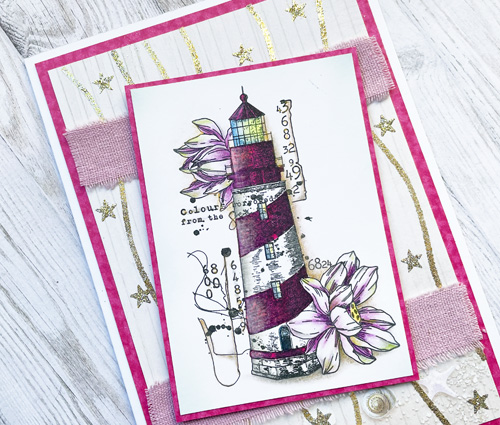
Festive Merry Gift Tag Design
The base of this Merry Gift tag is just white cardstock cut into a tag shape, or you can use a precut tag. Then, I cut a piece of star acetate the same size as the first tag and layered it on top for interest.
Stamped Sentiment
Stamp “Merry” on white cardstock with Onyx Black ink. Then pour clear embossing powder, tap off the excess, and melt it with a heating tool. Double-mat it with pink and red cardstock using the E-Z Runner® Grand Ultra Strong Refillable Dispenser. Attach it to the tag front with the same adhesive.
Embellishments
Fussy cut the holly from patterned paper. Then mount it with a double layer of Thin 3D Foam Squares White Mix. Add a little mini tag with some jute or other thin ribbon. Lastly, I added a large bow with a striped ribbon.
Tissue Paper Ruffle
Using Extreme Double-Sided Tape 1/4in., add a strip of the adhesive across the tag about 1/2″ from the bottom of the Festive Merry Gift Tag. Use a piece of 1.5 x 12″ gold tissue paper to scrunch it onto the tag. For a fuller look, add a second row of the tissue paper if desired.
Here’s the finished look and the adhesives used for this project.
Now you have a great tag to attach to a gift or use on another Christmas project. Thanks for visiting! Lara Scott
Other: Papers: Heidi Swapp; Stamp: Kerri Bradford; Ink: Tsukineko (Versafine in Black Onyx); Embossing Powder: Clear Embossing Powder; Pink, Red and White Cardstock, Star Acetate, Ribbon, Gold Tissue Paper
Have you been documenting your holiday events? Since we don’t do a formal gathering, I’ve added photos of things we did during the year. I had an ornament die set that I wanted to create with and featured the 3D Foam Circle Frames to highlight each event. Hi, Margie here today to share my YaY for Happy Holidays Ornament Layout.
Create the Ornament
Die-cut three ornaments with patterned papers. For the topper, I used 3D Foam Creative Sheets Small White for dimension and interest. After placing the topper on each ornament shape, leave the bottom liner on the back of each hoop.
Apply foil to the topper for the shine! Remove the top liner and place a piece of silver foil from the Metallic Transfer Foil Sheets Celebrate Colors set. Make sure the foil color is facing you. Gently rub to transfer the color to the topper. Remove to reveal the shine! This is what the Wear Your Adhesive on the Outside technique is all about! Set the ornaments aside. Let’s work on the border.
Make the Border
Using the E-Z Runner® Micro Refillable Dispenser, I placed the narrow 0.25 in. border on top of the 0.75 in. border…it’s a perfect size! Mat the layered border on top of the 1.0 in. border with the Crafty Power Tape Polybag 81ft. Lastly, place the finished border about 1.0 in. from the bottom edge of the layout.
Assemble the Sentiment
Die-cut the thin “yay” word with the 3D Foam Creative Sheets Small White, the “yay” outline with green patterned paper, and the “yay” shadow (and thin exclamation point) with red patterned paper. Adhere the thin “yay” word onto its outline.
Use the Wear Your Adhesive on the Outside technique, by removing the top liner from the “yay” word and placing a piece of silver foil from the Metallic Transfer Foil Sheets Celebrate Colors with the color side facing you on top of the exposed adhesive. Gently rub/tap to transfer the color to the word. Peel off the foil to reveal the finished look. Reapply the foil in missed areas.
Cut 6 to 10 strips of white cardstock to journal on and adhere them with the E-Z Dots® Permanent Refillable Dispenser. Designer’s Note: I used the ornaments to use guides to determine the strips’ placement.
The green ornament will be the only one that will be popped up from the page so I used the rest of the smaller nested foam rings.
After foiling the frame with red foil from the Metallic Transfer Foil Sheets Celebrate Colors, I added a small ornament from the 3D Foam Christmas Shapes. I used the Wear Your Adhesive on the Outside technique with a twist…I wrinkled the blue foil to create a distressed look and placed it on the shape. Then I placed a solid gold foil on top to color the exposed adhesive for an interesting look. Both foil colors are from the Metallic Transfer Foil Sheets Celebrate Colors.
Repeat the embellishing and foiling steps for the other two ornaments using shapes from the 3D Foam Christmas Shapes set. Then adhere them with them to the layout.
Adding Strings
The final touch…I added some flat rope trim to the ornaments with Adhesive Lines and cut the excess. Now it’s ready to be added to the album.
I hope you enjoyed my YaY for Happy Holidays Ornament Layout. So what will you document first? Share with us!
Other: Patterned Paper: Craft Consortium (Tartan Collection); Craft Dies: Emily Moore Designs (Gift Card Holder Die – The Ornament, yay! Layered Word Die and Card Sentiment Dies); Sentiment: Emily Moore Designs (Digital Happy Holidays Sentiment); Ruler: Wescott T-Ruler; Black Marker; Twine; White Cardstock
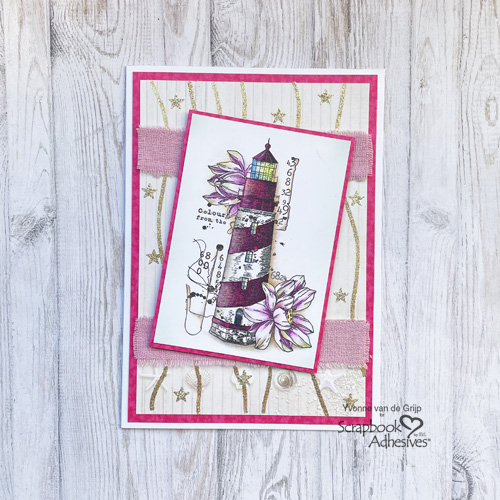
Hello, Jingle here today sharing a holiday card with this Believe Snowflake Card. The great thing about this card is that it has a ton of sparkle and shine, but is quite simple to create! Let’s get started!
Believe Snowflake Card Background
To create the background, use layered stencils to add pink trees with pistachio-colored stars on top. To make the design a vibrant color, I used Distress Oxide inks.
Once the inks dried, layer a piece of vellum cut a bit smaller than the stenciled panel. This will ensure our focal point (the snowflake) stands out from the pattern. The E-Z Runner® Permanent Fine Adhesive Dispenser (aka Vellum Runner) is perfect for this! It also happens to be one of my personal favorite adhesives!
The Snowflake Design
Die-cut a large snowflake from a piece of gorgeous black glitter paper. Yes, snowflakes can be black! Trust me on this. With the E-Z Runner® Permanent Fine Adhesive Dispenser (aka Vellum Runner), I centered the snowflake to the vellum. Isn’t it stunning?!
Working on the Sentiment
To create the sentiment, I die-cut the ‘believe’ word from both the pink and mint-colored cardstock several times. I stacked those with the E-Z Runner® Permanent Fine Adhesive Dispenser. I find it works well for detailed words like this. Next, I used the Dual Tip Glue Pen to adhere the sentiment to the snowflake and a gemstone to dot the “I” – adding more sparkle.
Thanks for stopping by! I hope you have enjoyed this Believe Snowflake Card tutorial and I can’t wait to see you again soon! Jennifer Ingle (aka Jingle)
Other: Stencils, Glitter Cardstock: Erin Lee Creative (Whimsy Christmas Trees Stencils and Black Glitter Cardstock); Craft Dies: Erin Lee Creative (Jumbo Snowflake Die) and Newton’s Nook (Main Street Christmas Dies); Ink: Ranger Ink (Distress Oxide in Pistachio and Kitsch Flamingo); White, Mint and Pink Cardstock